
Most construction folks hear “AI” and picture something complicated, expensive, or built for someone else’s industry.
The truth is, if you can type a question into a search bar, you can use AI. And it can save you real hours every single week on the kind of work that eats up your day. Digging through specs, drafting RFIs, reviewing vendor docs, checking compliance, writing safety plans.
This is not a guide about what AI is. It is a practical guide on how to actually use AI in construction, step by step, on a real project.
Step 1: Pick the right tool for construction work
This is the most important decision you will make, and most people get it wrong by starting with a general-purpose chatbot.
General AI tools are smart, but they do not know what a submittal log looks like. They do not understand CSI divisions. They will write you a safety plan that sounds professional but has no idea what your actual project scope or site conditions are.
A construction-aware AI platform is different. It is built to understand construction document types like specs, RFIs, submittals, ITPs, punch lists, and drawings. It knows industry terminology such as RFQ, EOR, GC, CM, and Division 03. And it understands how construction workflows actually move from bid to closeout.
When the tool already speaks your language, you spend zero time explaining the basics and get straight to useful output.
What to look for in a construction AI tool:
- Can it read and work with your actual project documents like PDFs, drawings, and specs?
- Does it connect to tools your team already uses, such as Procore, SharePoint, or Drive?
- Does it show where its answers are coming from so you can verify them?
- Is your data protected with role-based access and encrypted storage?
Once you have the right tool, the rest of this guide shows you exactly how to use it.
Step 2: Upload your project documents first
AI is only as useful as the information you give it.
Before you start asking questions, feed it your project documents. Upload your spec book, relevant drawings, vendor prequalification forms, RFI logs, submittal registers, and any scope or contract documents.
Once those are in, the AI can work on your specific project instead of giving you generic answers.
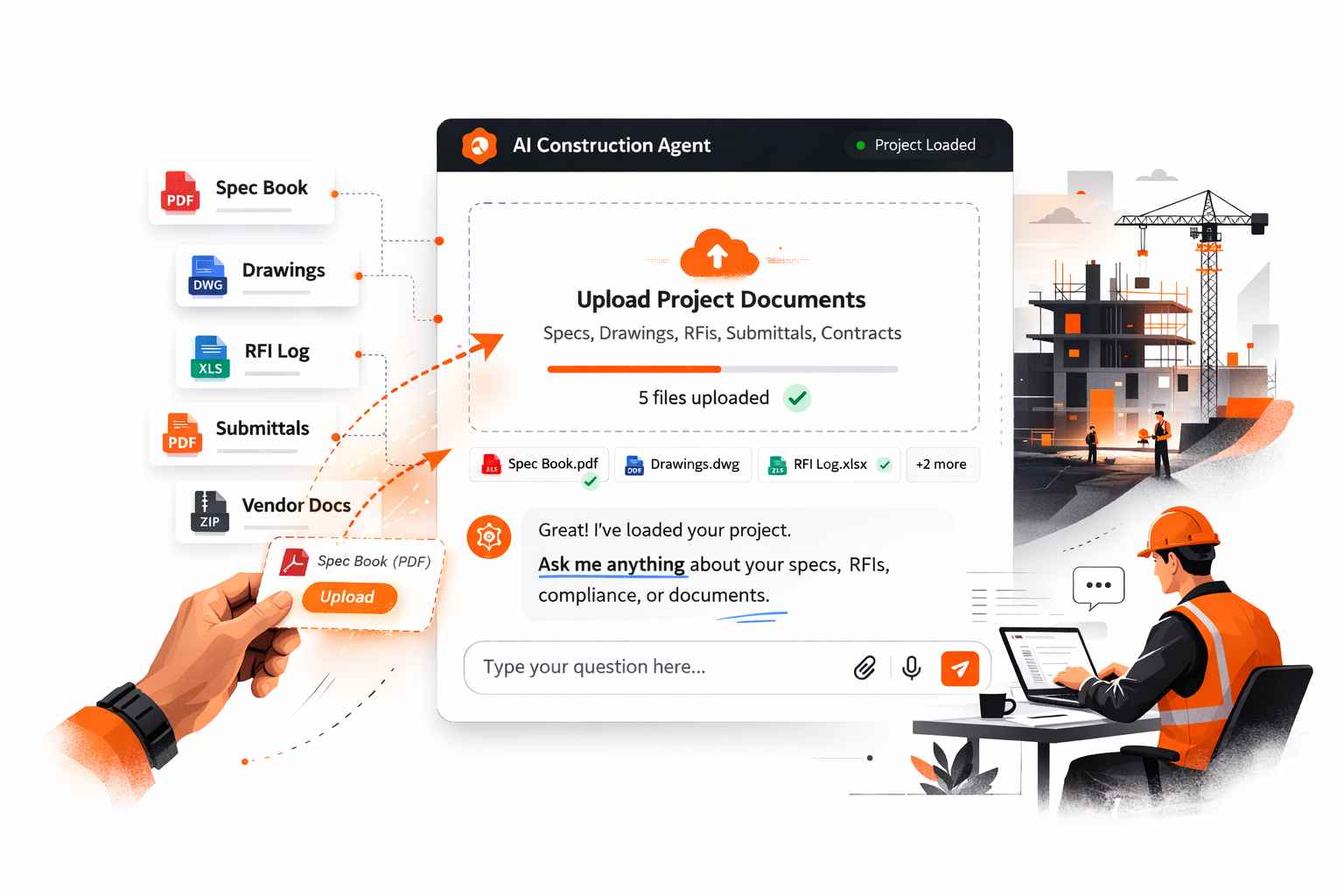
Think of it like onboarding a new team member. You would hand them the project binder on day one. Same idea here.
Step 3: Ask it like you are talking to a smart colleague
Here is where most people stumble. They either ask something too vague and get a useless answer, or they think they need to write some kind of technical command.
You do not. Just be specific and direct, the same way you would talk to a knowledgeable colleague on site.
The basic rule is simple: tell it what document, what you need, and what format you want the answer in.
How to ask about specs
Too vague:
“What does the spec say about concrete?”
Much better:
“In Section 03 30 00, what are the compressive strength requirements for the foundation slab, and what testing intervals are specified?”
The second version tells the AI exactly where to look and what to pull out. You get a precise answer instead of a long summary of everything concrete-related.
How to draft an RFI
Too vague:
“Write me an RFI”
Much better:
“Draft an RFI for a conflict between the structural drawings and the architectural reflected ceiling plan at gridline C-3, Level 2. The structural beam shown on S-301 conflicts with the ceiling height on A-502. Format it with a subject line, conflict description, and a question to the EOR asking for resolution.”
Give it the who, what, where, and what you need answered. A good construction AI will format it correctly and use the right language. You just review, adjust, and send.
How to review a vendor or subcontractor
Too vague:
“Is this vendor good?”
Much better:
“Based on this prequalification package, does this mechanical subcontractor meet our safety requirements? Check their EMR rate, OSHA 300 log, and certifications against a commercial project with a $3M mechanical scope.”
Now it is checking something specific, not just summarizing. You get a real evaluation, not a recap.
How to check compliance
Too vague:
“What permits do we need?”
Much better:
“Based on this project scope, a 4-story mixed-use building in Texas with structural steel and a curtainwall system, what building permits, inspections, and code references should we be tracking?”
Specific scope, specific location, specific ask. That is what gets you a useful compliance checklist instead of a generic list.
How to generate field documents
Too vague:
“Make a safety plan”
Much better:
“Create a toolbox talk for our concrete pour scheduled for Friday. The crew is 12 people, the pour is a 6,000 SF elevated deck, and the main hazards are working at height and pump truck operation. Keep it under one page and make it easy to read on site.”
You gave it everything it needs: crew size, task, hazards, format, and length. What comes back is ready to hand out, not something you need to rewrite from scratch.
Step 4: Use follow-up questions
One question is rarely the whole answer.
AI is a conversation, not a search engine. After the first response, keep going:
- “Now pull just the testing requirements from that section and put them in a table.”
- “What is missing from this submittal based on the spec requirements?”
- “Compare this vendor’s bid to the scope requirements and flag any gaps.”
- “Rewrite that RFI in a more formal tone.”
Each follow-up sharpens the output. You are reviewing and refining in real time, which is much faster than doing it all by hand.
Step 5: Know what AI is good at and what it is not
AI will save you serious time on the right tasks. But it is not a replacement for your judgment on the calls that matter.
AI is great for:
- Pulling specific information out of large documents fast
- Drafting repetitive documents like RFIs, submittals, checklists, and safety plans
- Comparing documents, bids, or specs side by side
- Flagging discrepancies, gaps, or missing information
- Generating first drafts that you then review and refine
AI still needs you for:
- Final sign-off on anything going to the owner, architect, or engineer
- On-site judgment calls that depend on conditions you can see
- Relationship decisions like who to award a subcontract to
- Anything where a mistake has real consequences and needs an expert eye
Think of AI as a very fast, very thorough assistant. It handles the groundwork. You handle the decisions.
A simple workflow to try this week
If you want to see the value without overhauling anything, try this over five days.
Monday: Upload your current project spec book. Ask it five questions you would normally have to look up manually. Time yourself.
Wednesday: Next time an RFI needs to go out, draft it with AI first. Compare how long it took versus your usual process.
Friday: Take your next vendor prequalification package and ask AI to review it against your project criteria. See what it flags.
Three tasks. One week. By Friday, you will have a real sense of where construction AI saves your team the most time.
One more thing: your data should stay secure
Before uploading project documents to any AI tool, make sure you understand how the platform handles your data.
Look for platforms that offer encrypted data storage, role-based access so not everyone sees everything, and source-linked responses so you can verify exactly which document the AI pulled its answer from. This matters especially on projects with sensitive owner information, proprietary specs, or NDA-protected documents.
Ready to put this into practice?
Once you know how to use AI well, the right platform makes all the difference.
Bob is a conversational AI Agent built specifically for construction teams.
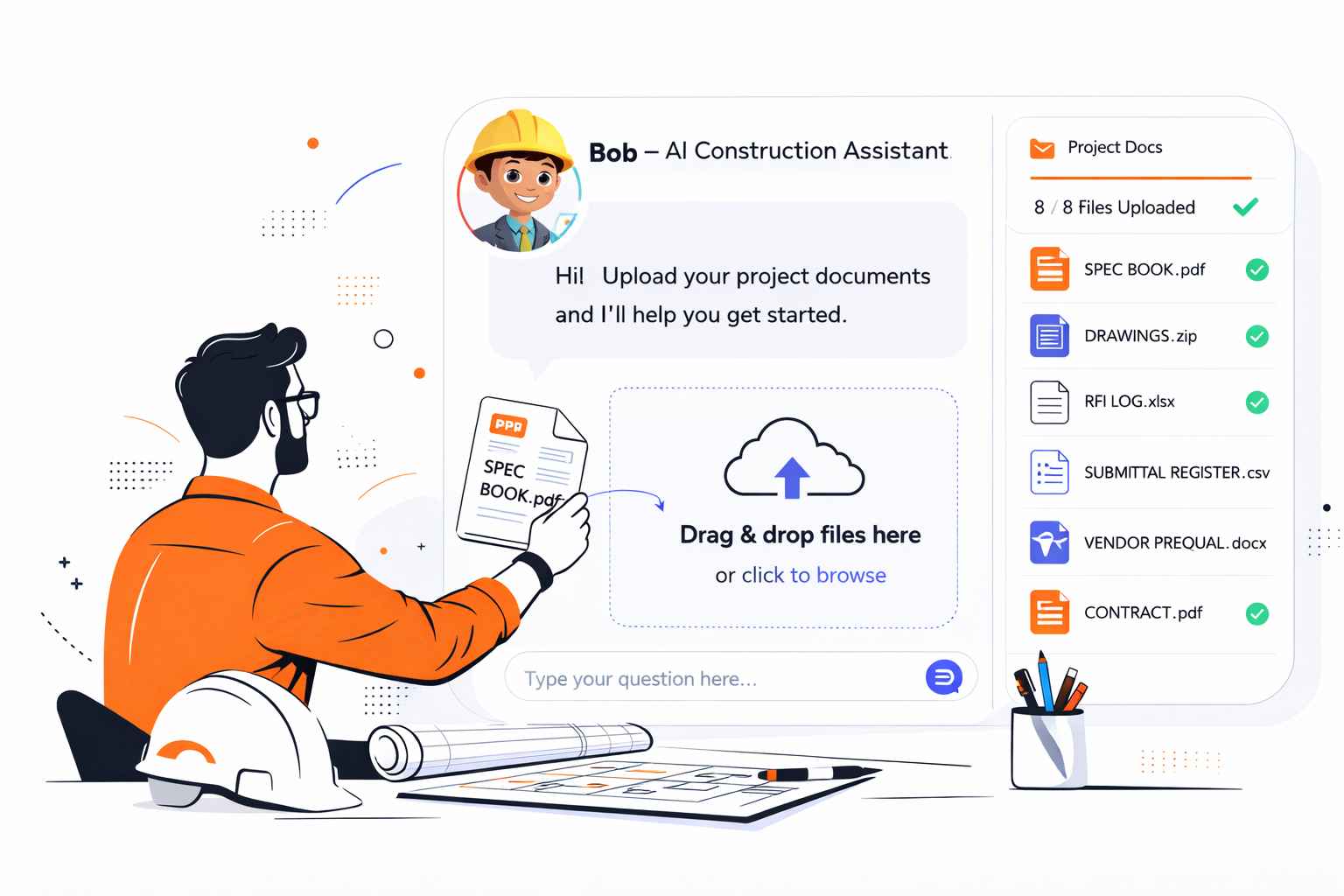
You can upload your project documents and ask Bob to summarize specs, generate RFIs, review vendor packages, check compliance gaps, and create field-ready documents like toolbox talks, QC checklists, and punch lists. It connects directly with Procore, SharePoint, and Drive, so your team works where they already are.
No complex setup. You can be up and running in about five minutes.
The teams getting the most out of AI right now are not always the biggest ones. They are the ones who started early, learned how to ask the right questions, and chose tools built for the work they actually do.
Frequently asked questions about AI in construction.
What is AI in construction?
AI in construction refers to software tools that can read, understand, and act on construction documents like specs, RFIs, drawings, and contracts, helping teams find information, draft documents, and check compliance faster than doing it manually.
How is AI used in the construction industry?
Construction teams use AI for tasks like RFI and submittal automation, vendor prequalification, compliance checking, spec review, and generating field documents like safety plans and QC checklists without manual formatting.
Can AI read construction drawings and specs?
Yes. Construction-specific AI platforms can analyze PDFs, drawings, and specification documents to extract material requirements, code references, and scope details in a single view without manual review.
How do I get started with AI on a construction project?
Start by uploading your project spec book to a construction AI tool. Ask it questions you would normally search for manually. From there, try drafting an RFI or reviewing a vendor package and compare the time it takes versus your usual process.
What documents can construction AI work with?
Most construction AI platforms work with PDFs, specs, RFI logs, submittal registers, drawings, site photos, and vendor prequalification forms. Multi-format support matters because construction projects rarely live in just one file type.
Is it safe to upload project documents to an AI tool?
It can be, as long as the platform offers encrypted data storage, role-based access controls, and clear data privacy policies. Always verify how a platform handles your files before uploading sensitive project information.
How does construction AI help with RFI automation?
Construction AI can draft RFIs by pulling the relevant spec section, identifying the discrepancy or missing information, and formatting the document correctly. This reduces the time spent on drafting and minimizes back-and-forth from poorly written requests.
What is the difference between general AI and construction AI?
General AI tools are not trained on construction workflows or document types. Construction AI platforms understand industry terminology, CSI spec formats, RFI and submittal workflows, and can integrate with tools like Procore and SharePoint.